Additional Data sources Dialog 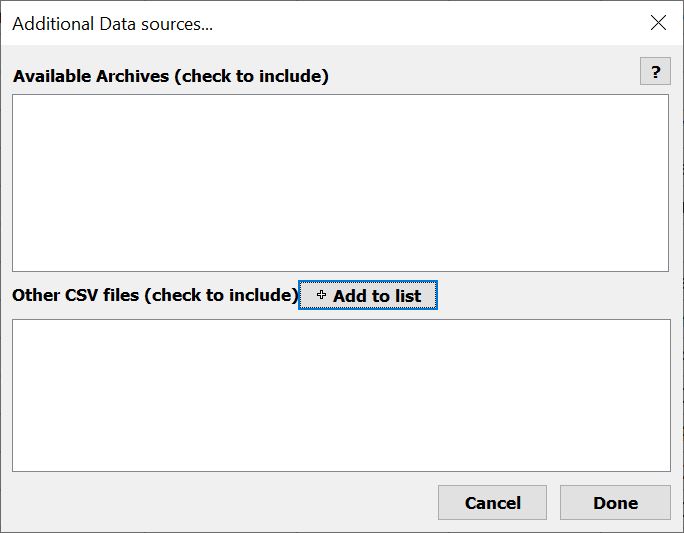 (print
topic)
(print
topic)
Clicking the Archives and other files button in the Data set panel opens the dialog allowing you to select previsously saved Archived files and Other files.
The Available Archive files (saved to the Archives folder located in the Output folder identified in the Program Settings Dialog) automatically appear in the upper checklist. Only files with checked boxes next to them will be merged in your dataset.
The Other CSV files list is populated by clicking the Add to list button, browsing to the file(s), and selecting it(them). Only files with checked boxes next to them will be merged in your dataset.
Done records your changes and closes the Additional Data sources... window. The next time you refresh your dataset, merges records from files that are checked will appear in your dataset.
Cancel closes the Additional Data sources... window without saving any changes that were made.